
QU777 APP RESOURCE

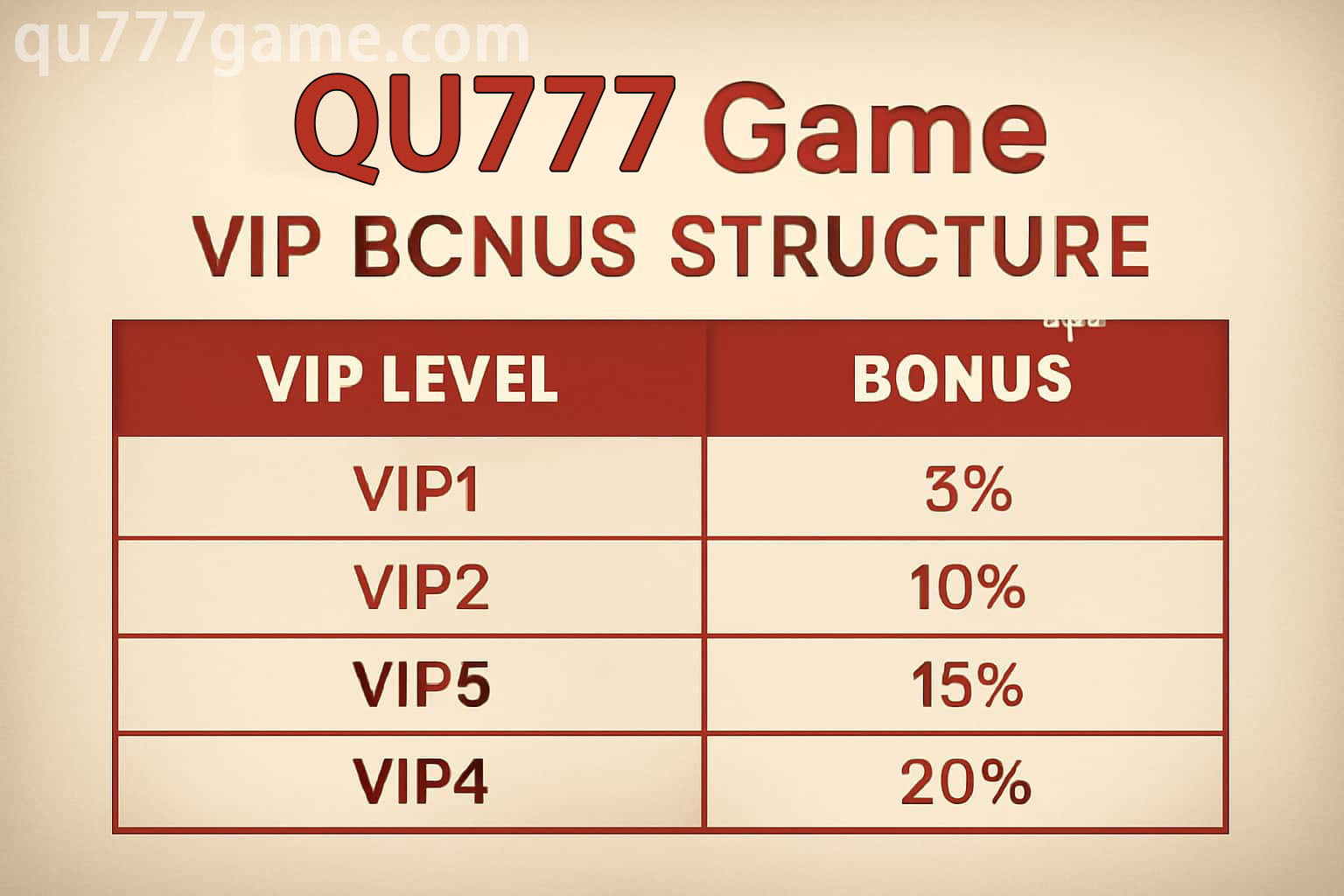
QU777 VIP membership levels and benefits

QU777 VIP Membership Guide: Levels and Benefits

QU777 membership is arranged in levels, but the details are not frozen in time. The tier shown after sign-in, its renewal rules and any available extras can change, which makes the live member area more dependable than an old screenshot.

Moving up a level may bring access to selected events, tailored features or a quicker support channel. Check the card for the benefit you actually want before relying on it; activation, eligibility and closing dates can differ from one offer to the next.

Your logged-in member area shows the level and benefits currently attached to the account.

THE ESSENTIAL DETAILS

A few things to check before continuing

How QU777 Calculates a Level

The displayed tier may reflect recent app use, membership history, completed account checks and participation in qualifying activities.

What a Higher Tier May Add

Depending on the active program, members may see extra app tools, invitations, account-specific offers or access to a priority help route.

Read the Benefit Card First

Open the conditions and note the activation step, usage limits and final date. A VIP extra should still sit inside your normal time and spending boundaries.

Member-Only Events

A level-restricted event can have separate entry, scoring, schedule and settlement rules. Read the event page rather than assuming normal play conditions apply.

Make Priority Support Useful

When that service is available, send a short timeline with the relevant screen, time and a cropped screenshot. Clear evidence saves unnecessary back-and-forth.

If a Benefit Is Not Visible

Confirm the current level, account verification, campaign dates and any claim button. If those details match, contact support through the signed-in page.